Master AV Setup with Audio Visual Gyan
Step-by-step guides on AV installation, conference rooms, cameras, microphones, and troubleshooting made simple for beginners.
1/21/20261 min read
Step-by-Step Guide to AV Installation for Beginners
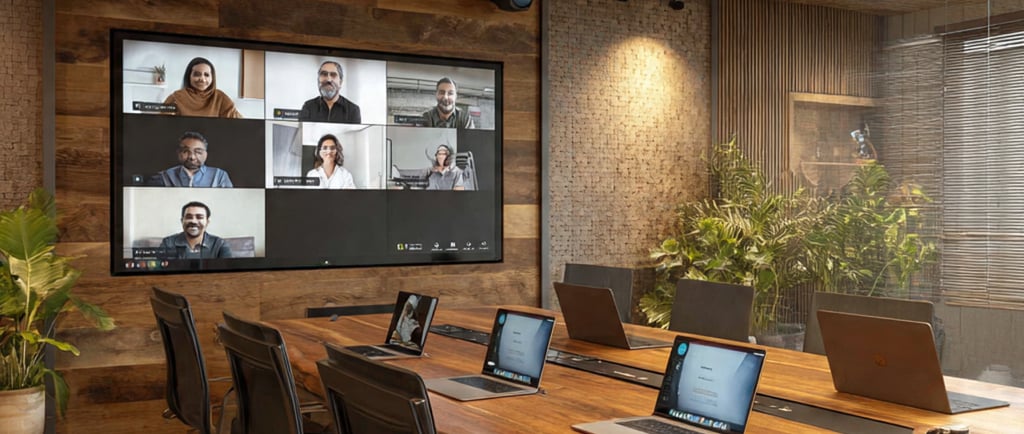
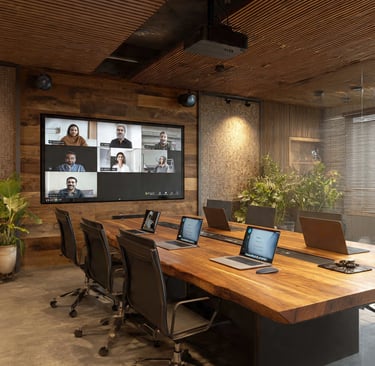
Audio Visual (AV) systems are now a basic part of modern offices, meeting rooms, classrooms, and conference rooms. For beginners, AV installation may look complicated, but if you follow the right steps, it becomes very easy.
This guide is written in simple English to help beginners understand AV installation, conference room setup, cameras, and basic troubleshooting.
Who Is This Guide For?
✔ AV beginners
✔ IT support staff
✔ Office admins
✔ AV freelancers
❌ Not for advanced programmers
What Is an AV System?
An AV system means Audio + Video equipment working together.
It usually includes:
Display or projector
Camera
Microphone or speaker
Laptop or PC
Cables (HDMI, USB, power)
These systems are used for video conferencing, presentations, and online meetings.
Where Are AV Systems Used?
Conference rooms
Board rooms
Training rooms
Classrooms
Control rooms
Basic Equipment Required
Before starting installation, make sure you have:
Display or TV
Conference camera
Microphone / speaker
Laptop or PC
HDMI cable
USB cable
Power adapters
Step-by-Step AV Installation Process
Step 1: Power OFF All Devices
Always turn off power before connecting any cables.
This avoids damage to ports and equipment.
Step 2: Install the Display
Mount the display on the wall or place it on a stand
Connect the power cable
Do not turn ON yet
Step 3: Install the Camera
Fix the camera above or below the display
Make sure it faces the meeting table
Connect the camera power (if required)
Step 4: Connect the Cables
Connect HDMI cable from PC to display
Connect USB cable from camera to PC
Connect mic/speaker to PC or audio system
Step 5: Power ON and Test
Turn ON the display
Start the PC
Open camera software or meeting app
Check video and audio
Common Mistakes Beginners Make
Connecting HDMI to wrong port
Using long USB cable without testing
Forgetting to unmute microphone
Power ON devices before full connection
Before You Start (Important Tips)
⚠️ Always remember:
Keep power OFF during wiring
Avoid loose cable connections
Test cables before final fixing
Label cables for future support
Pro Tip from Site Experience
Most AV issues happen due to wrong cable connection, not due to device failure.
Always re-check cables before replacing any equipment.
Need Help?
If you need on-site or remote AV support, you can connect with the Presentation People team.
We believe in simple solutions and practical AV knowledge.